Gemini Prompts
136 AI image generation prompts for Gemini. Open Gemini ↗
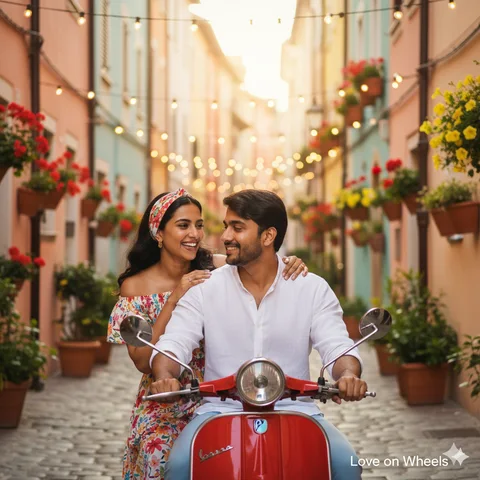
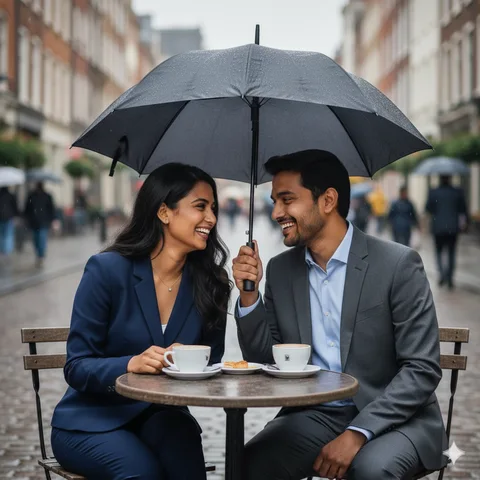
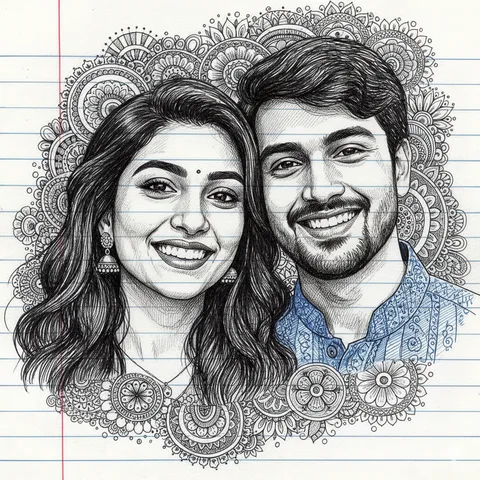
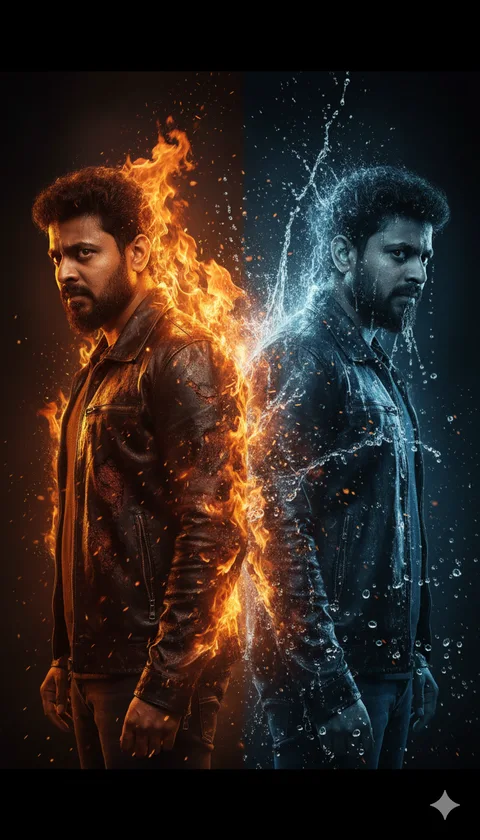
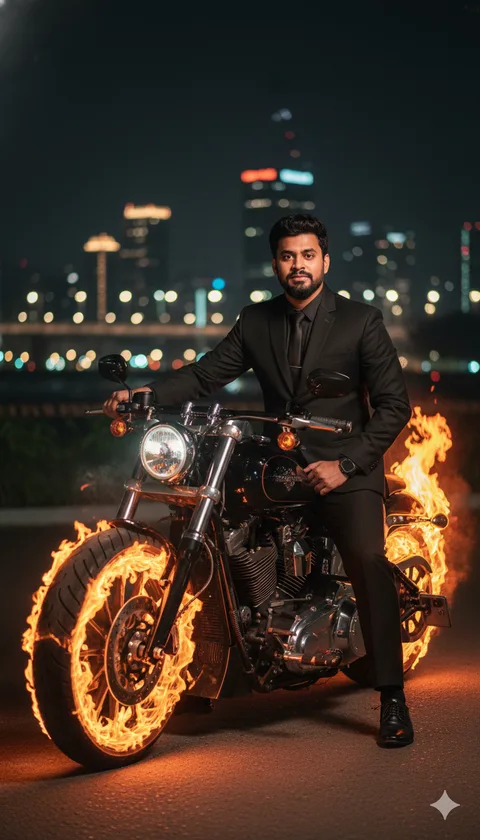
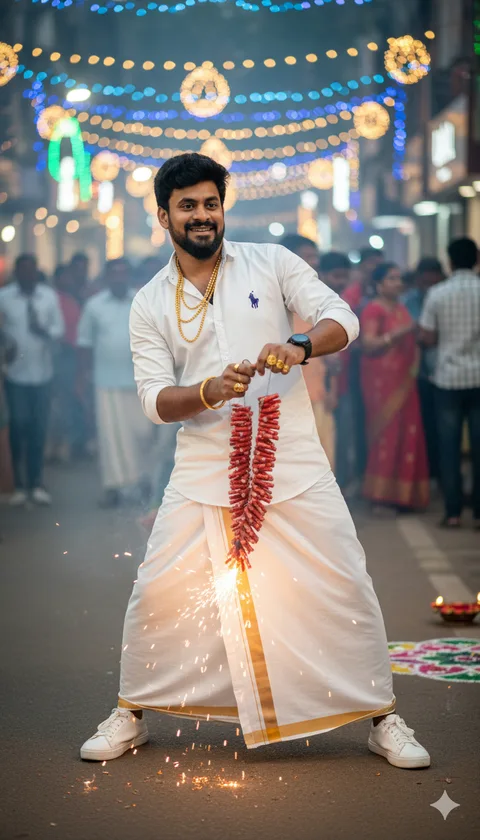
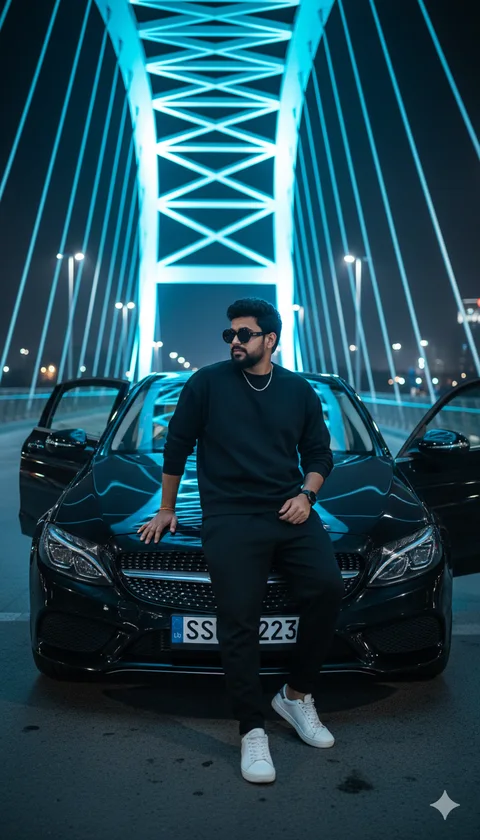
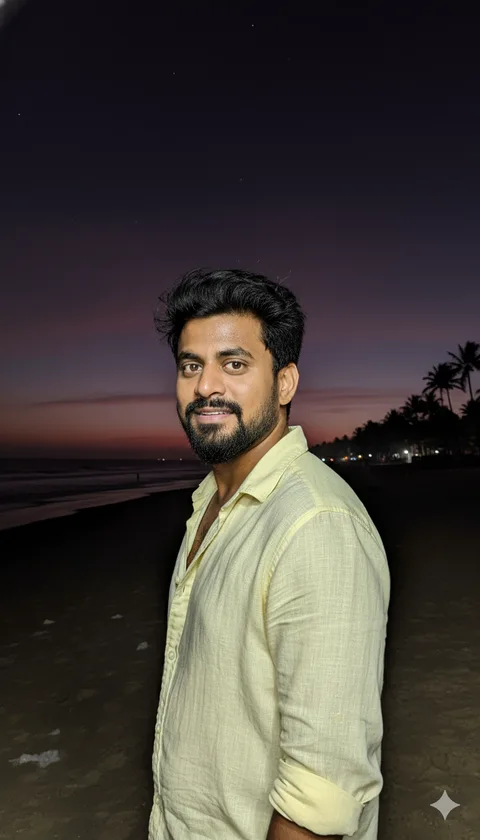
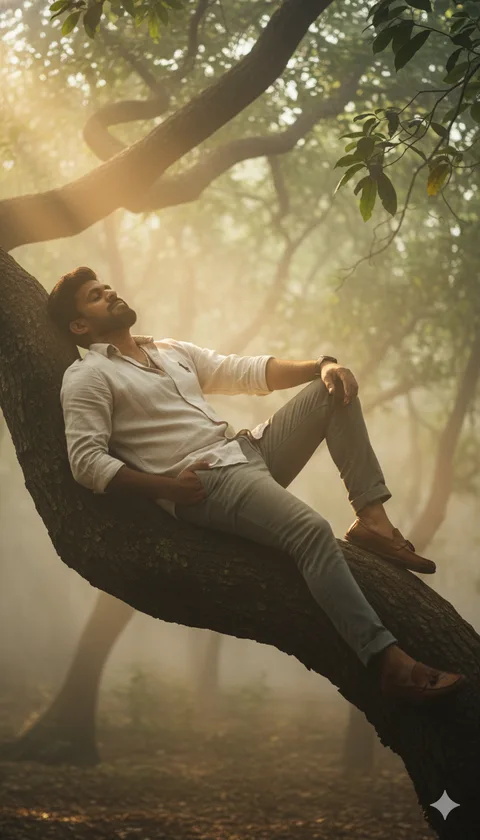
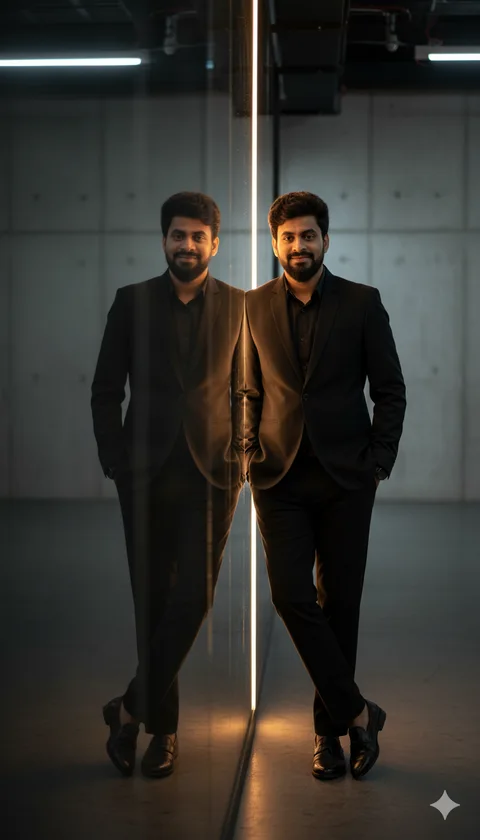
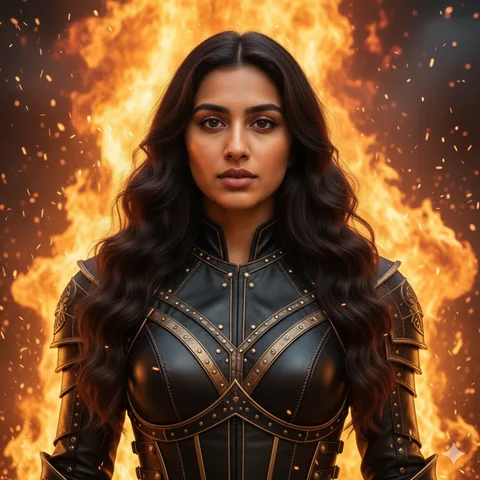
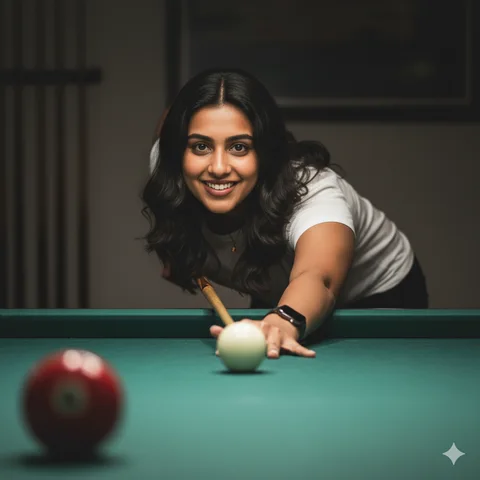
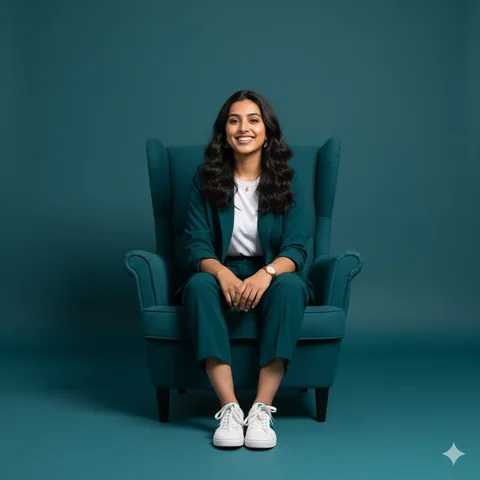
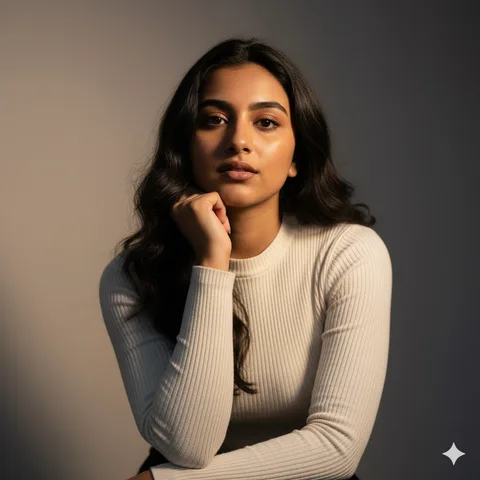
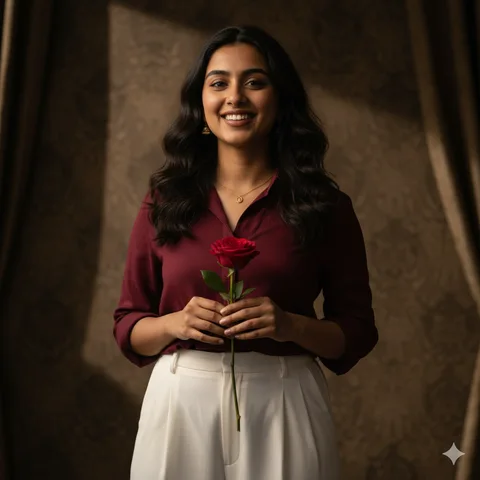
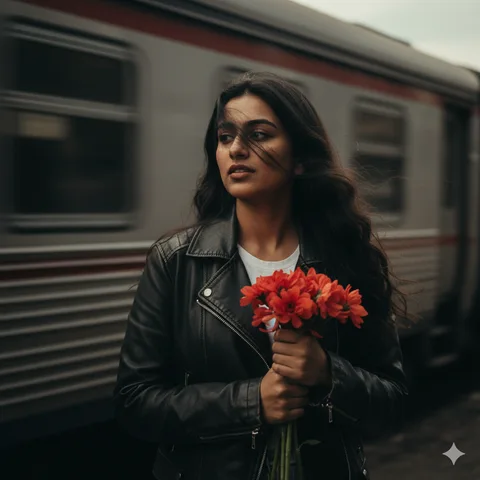
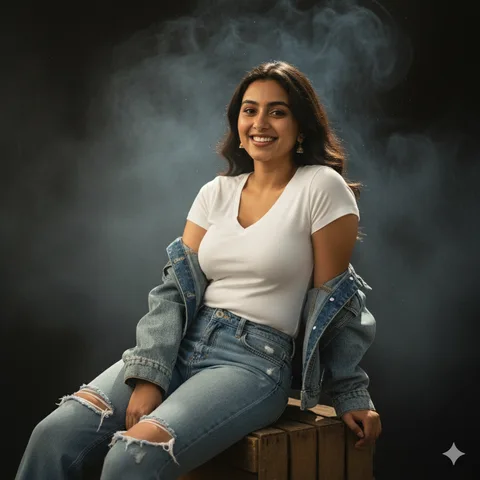
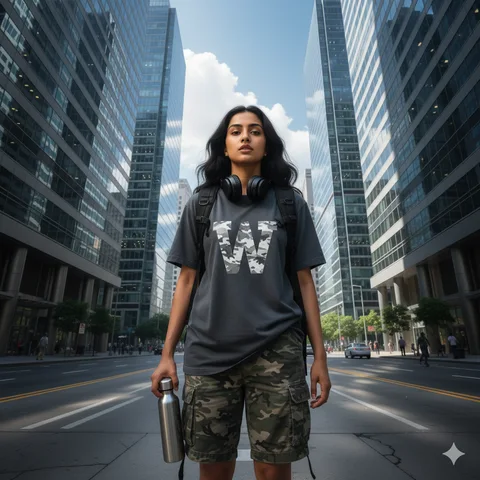
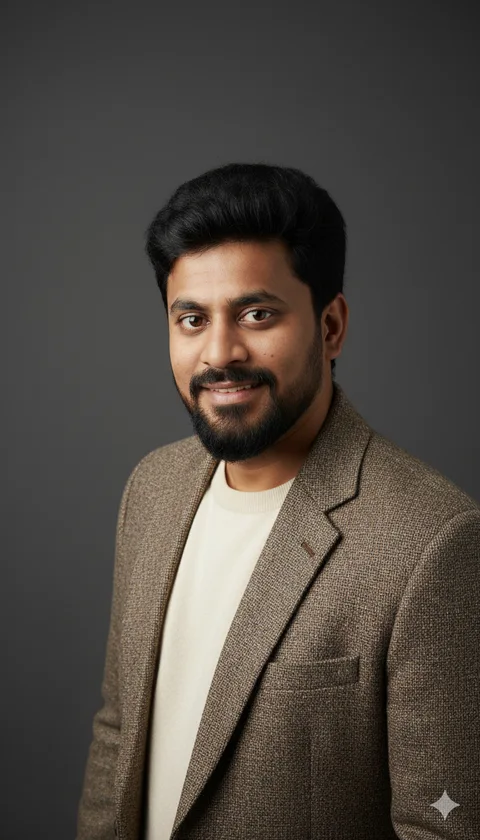
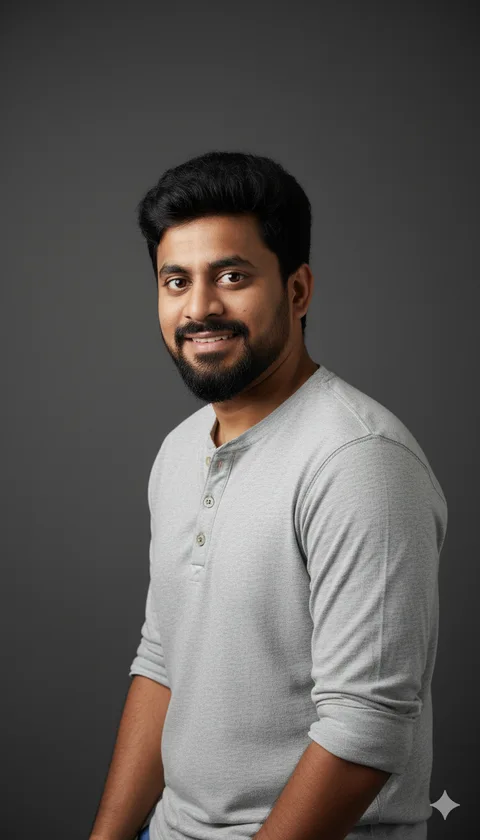
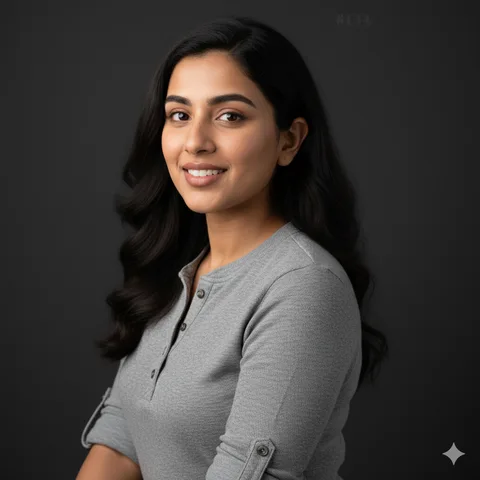
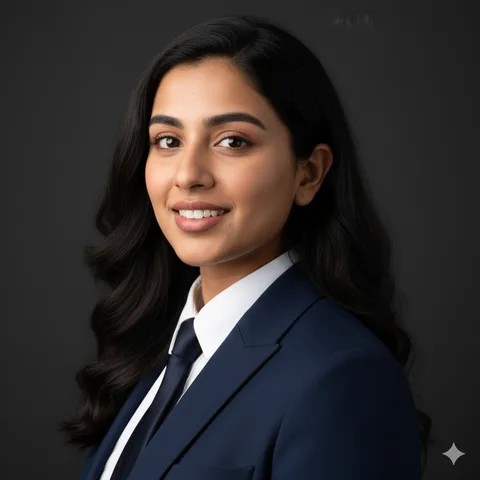
Google Gemini can edit a photo you upload by following a written description, which makes it a good fit for the prompts on PromptAI. Almost every prompt here is written for that workflow: you supply the face, and the prompt supplies the outfit, setting, lighting and camera style. It handles studio headshots, saree and kurta portraits, travel scenes and stylised looks like sketches or watercolour, and you can refine the result by replying in the same chat. The same prompts generally work in ChatGPT's image generation too.
How to use a prompt with your photo:
- Open Gemini and start a new chat.
- Upload a clear, front-facing photo of yourself (or of both people, for couple prompts).
- Copy a prompt from this site, paste it into the message box and send.
- Review the image, then reply with small fixes such as "keep my hairstyle" or "make the background warmer".
- Download the version you like.
To keep the face consistent, use a sharp, well-lit photo without sunglasses or heavy filters, and keep the line in each prompt that asks Gemini to preserve your facial features. If the face drifts after several edits, start a fresh chat with the original photo rather than continuing to edit the edited image.
Good places to start are portrait prompts, men's prompts, women's prompts and couple prompts.
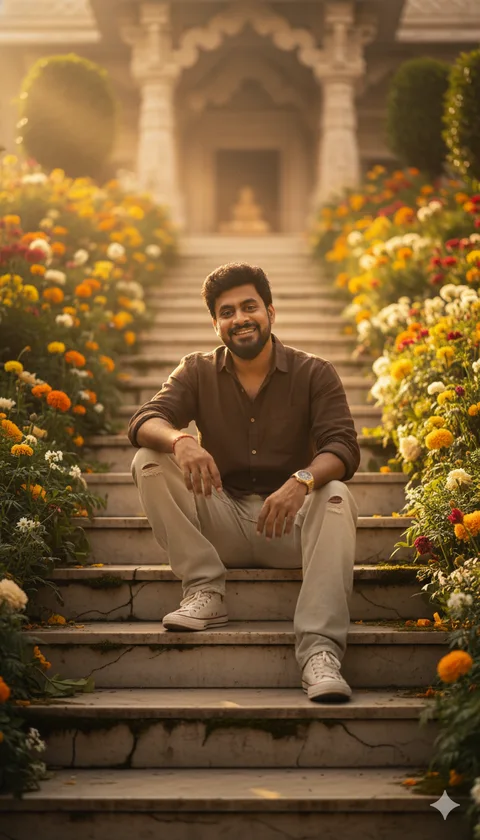
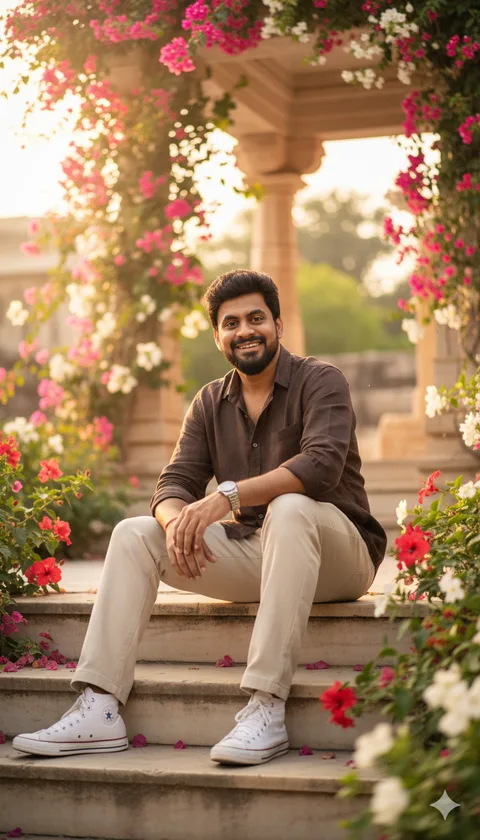
Temple Stairs Portrait
 Gemini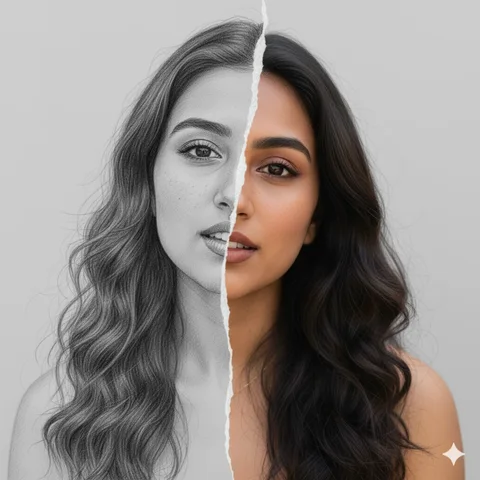
Torn Paper Art Portrait
Gemini






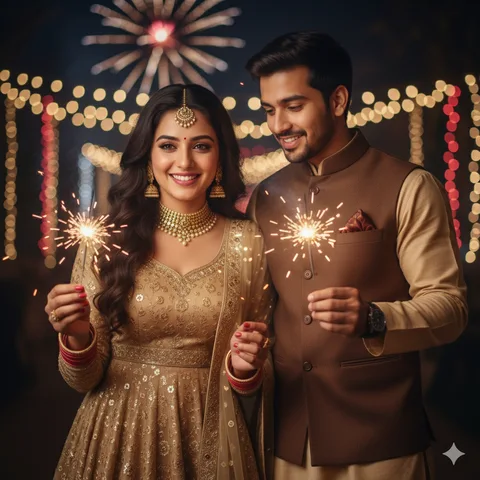
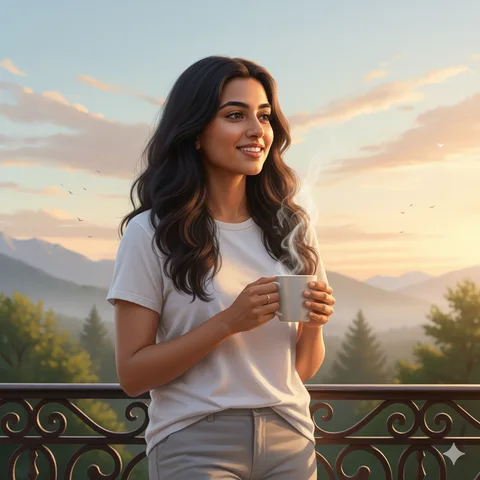
Morning Balcony Portrait
Gemini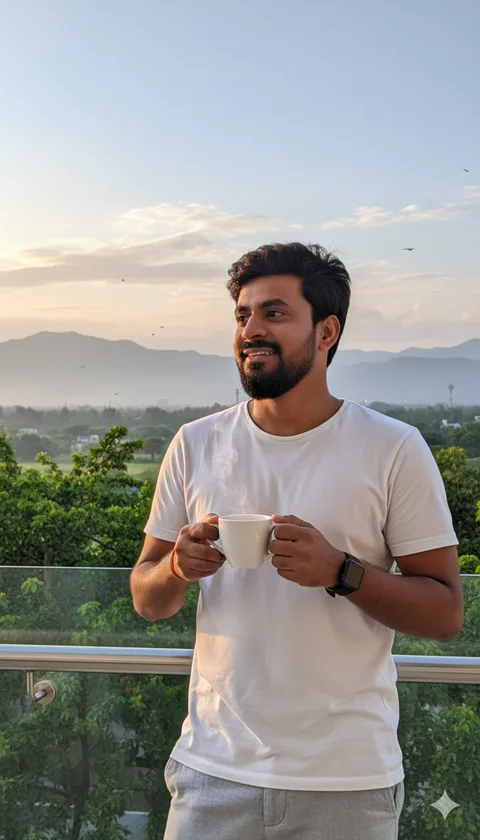
Morning Balcony Portrait
Gemini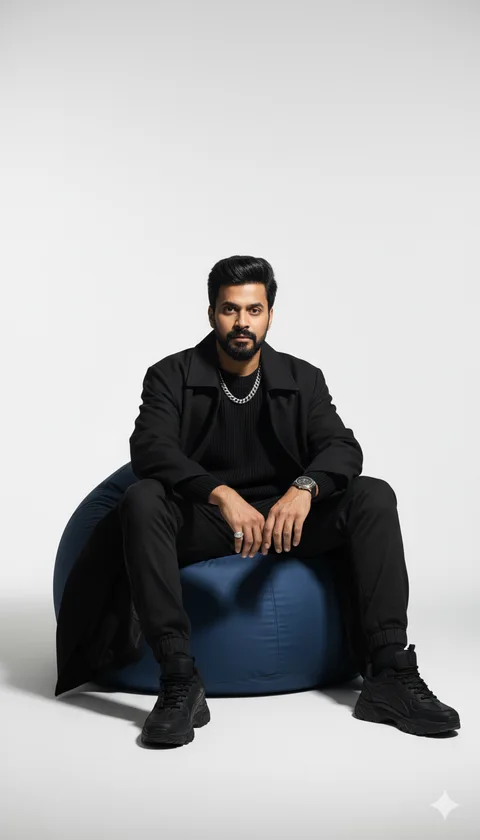
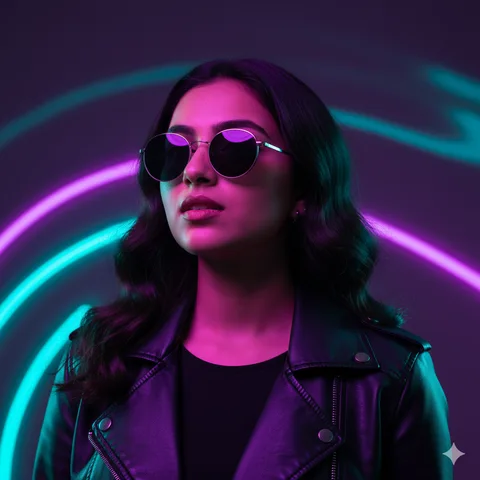
Neon Futuristic Portrait
Gemini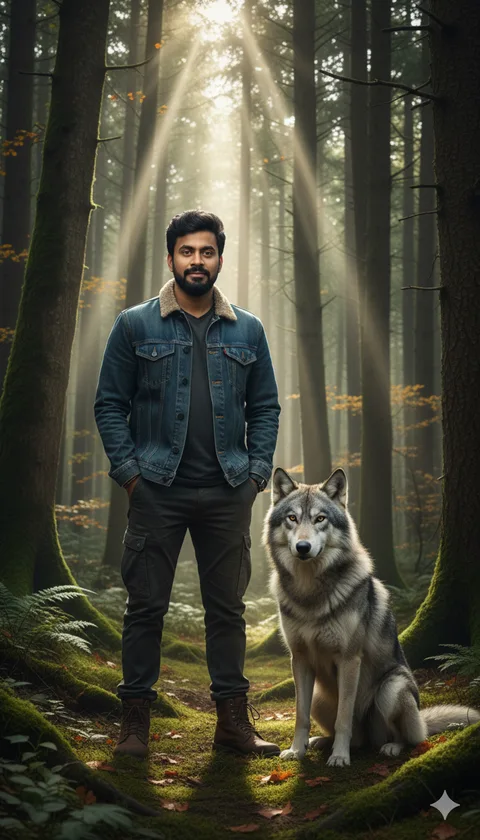
Forest Wolf Portrait
Gemini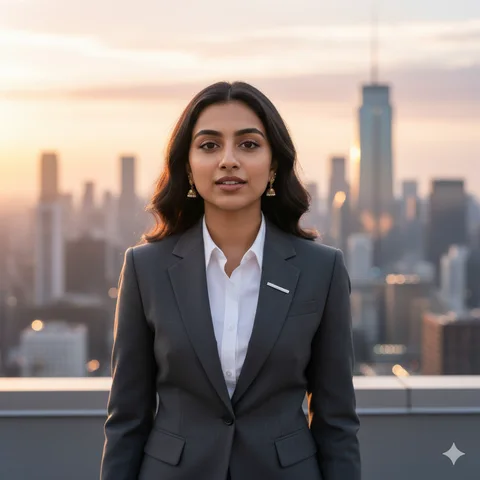
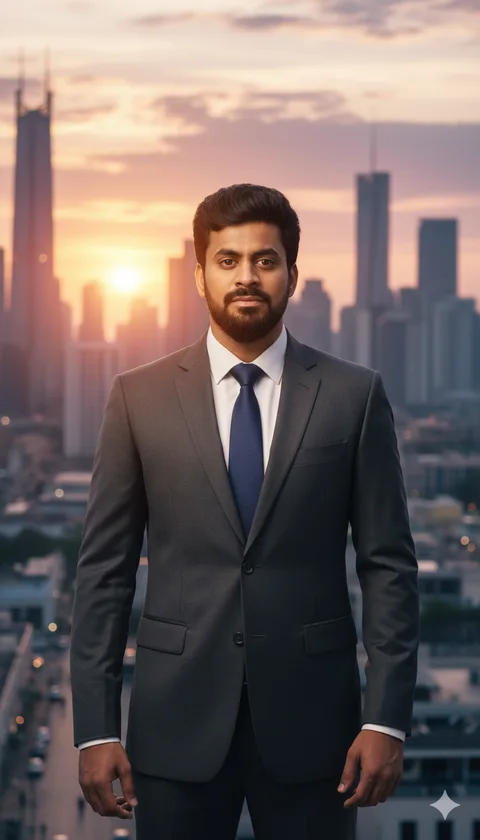
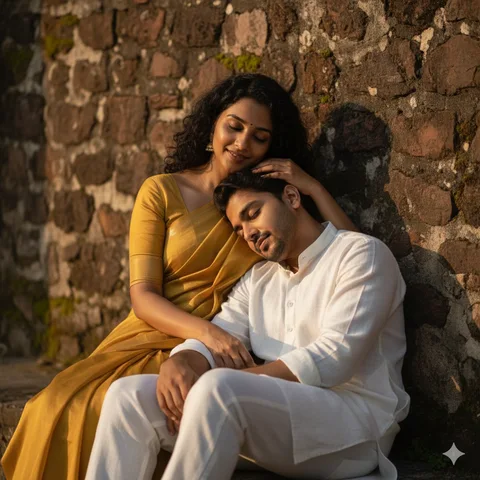
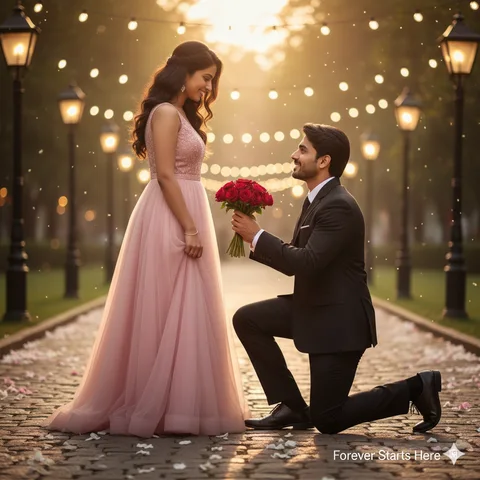
Romantic Couple Portrait
Gemini